Food & payments
Source checkedHow to Order Food by QR Code in China
Open restaurant QR menus safely, translate dishes and modifiers, handle allergies with staff, pay once and use a counter or cash fallback.
The short answer
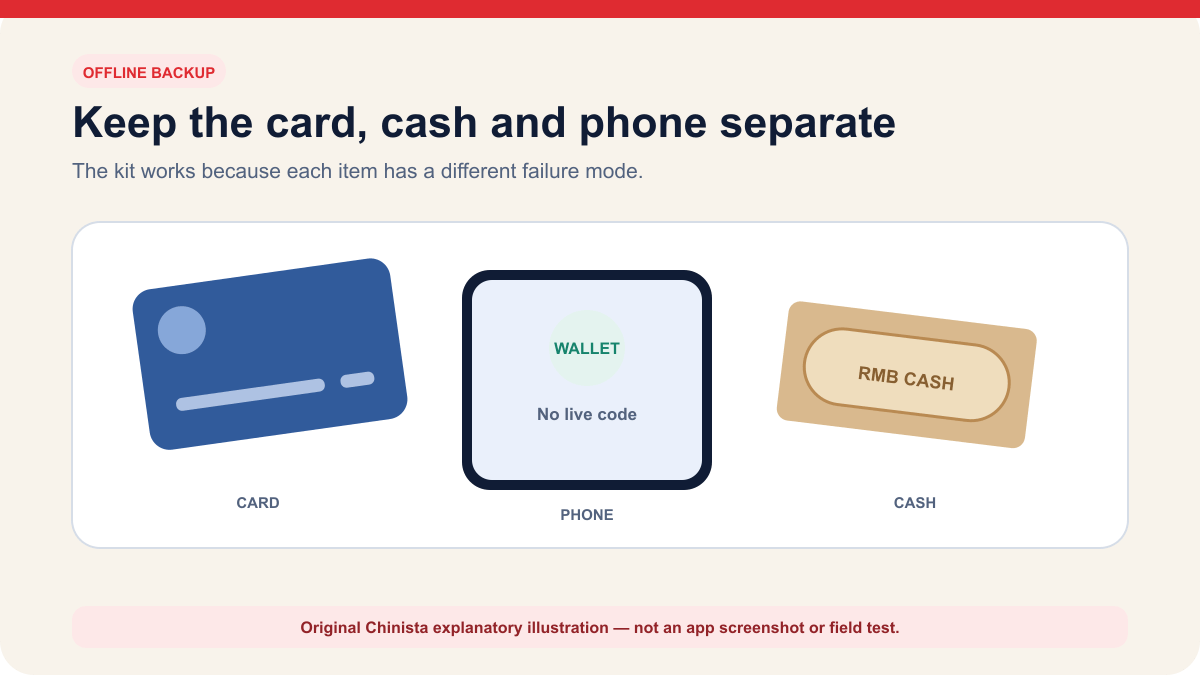
Scan the restaurant's code and check the merchant and table. Translate the dish details and options, then check that the order was submitted and payment succeeded. Ask staff about allergies or unclear ingredients; a QR menu cannot guarantee safety. If you cannot sign in, read the menu or pay, ask to order with staff or at the counter. Keep a physical card and RMB as backups.
Jump to a section
Step by step
What to do
- 01
Verify the code, restaurant and table
Scan the code displayed by the restaurant, check the mini-program or domain identity and confirm the on-screen table before granting permissions or adding food.
- 02
Check the whole dish description
Check the name, description, portion, quantity, required choices and final cart price. Ask staff when a translation or picture is unclear.
- 03
Discuss allergies and dietary needs with staff
Show a professionally translated allergy or dietary card and ask about ingredients and cross-contact. Choose another option when staff cannot confirm a severe allergy.
- 04
Submit and pay as separate steps
Confirm the order was accepted, then verify merchant, amount and transaction status. Check wallet history before retrying a slow payment.
- 05
Ask staff to take your order
Ask for a paper menu, counter order or staff device when the QR path requires an unavailable account, phone number or payment method.
Check what the restaurant QR code opens
A restaurant code may open a website, Alipay or WeChat mini program, membership account or payment page. Some menus let you browse before logging in; others request a phone number, table number or location access. Follow the instructions for that restaurant, since the steps vary.
Scan only the code displayed on the table, menu, counter or official receipt and confirm the restaurant name before ordering. A sticker placed over another code, an unrelated personal account or a request to install an unknown app is a reason to stop and ask staff. Do not grant contacts, microphone, photo library or precise-location access unless the task clearly needs it.
Check each stage before moving on. Items in a cart have not yet been ordered, and a submitted order may still need payment. After paying, confirm that the kitchen accepted every item. Ask staff if the table, items or amount on the final screen are wrong.
| State | What to verify | Common mistake |
|---|---|---|
| Menu opened | Restaurant and table are correct | Ordering from an old or replaced code |
| Cart prepared | Items, size, quantity and options are correct | Mistaking a modifier or set meal for the main item |
| Order submitted | Kitchen or staff accepted the order | Assuming the payment screen proves acceptance |
| Payment completed | Merchant, amount and transaction status are correct | Paying twice after a slow confirmation |
| Service completed | All ordered items arrived and any refund is resolved | Leaving with a pending or duplicate charge |
Scan the code and check the table
Use the scanner inside the app the restaurant names or the phone camera when the code is a normal web link. Check the domain or mini-program identity before granting access. If the menu demands a mainland phone number or account you cannot provide, ask for a paper menu, staff device or counter order. Do not borrow another customer's verified account.
The app may have an English interface while the restaurant's dish names and options remain in Chinese. Try built-in translation or, if permitted, translate a screenshot and check with staff. Photos do not list ingredients, a pepper icon may miss some sources of spice, and a vegetarian label may not explain the stock or cooking oil.
Keep the table number visible. In some systems scanning the table code assigns the order automatically; changing tables or scanning a code near the entrance can send food elsewhere. Before submission, compare the table on screen with the physical marker and show both to staff if they differ.
Discuss allergies and dietary needs with staff
A QR menu is not a reliable allergy-control system. Ingredient lists can be incomplete, recipes can change and cross-contact may occur in shared oil, woks, grills or preparation areas. For a severe allergy, tell staff before ordering, show a professionally translated allergy card and ask whether the kitchen can safely accommodate it. If the answer is uncertain, choose another venue or a sealed product with a label you can verify.
Explain whether your request is a preference or a medical requirement. Not spicy, vegetarian, vegan, halal, gluten-free and a specific anaphylactic allergy mean different things. Even without visible meat, a dish may contain stock, lard or oyster sauce, or share cooking equipment with other food. Ask about the ingredients and preparation that affect you.
Do not ask a translation model to certify that a dish is safe. It can translate your stated restriction and the restaurant's answer, but it cannot inspect the kitchen. Carry prescribed emergency medicine and know the medical plan. If an allergic reaction begins, stop eating and seek appropriate care; call 120 for a medical emergency.
Check the payment before trying again
Chinese government guidance lists mobile payments, bank cards and cash for overseas visitors. For mobile payment, you may scan a merchant collection code or show your payment code. Your linked international card can still be declined by the issuer, wallet or merchant. Keep another payment method ready and check any fee before confirming.
Check the merchant name and amount on the wallet's authorization screen. A QR menu can route payment through the restaurant, a food platform or a property operator; the name may differ, but it should be explainable by staff. Never send money to a personal code because someone says the restaurant system is broken unless the cashier verifies the official recovery process and gives a receipt.
After tapping Pay, wait for the transaction result. If the page hangs, check wallet history and ask staff to check the merchant record before trying again. A pending bank authorization, successful wallet payment and accepted restaurant order are different records. Save the order number and payment result until every item arrives and any refund is resolved.
Ask staff to take your order if the app fails
To ask 'Can I order directly?', show 我可以直接点餐吗?. Request a paper menu or staff device, point to the dish and confirm quantity, table and price. Ask staff to explain the available way to order without the app; options vary by restaurant.
If a restaurant refuses cash, ask for the manager and a receipt. Current national payment policy supports multiple payment methods and requires staffed businesses to accept RMB cash, subject to limited exceptions. Stay calm, document the merchant and amount without photographing other customers, and use another method if necessary to resolve the bill.
If the wrong food arrives, show the order record rather than arguing from memory. If an item is unavailable, confirm whether it was removed, substituted or refunded. For a refund, record whether it returns to the wallet balance, card or another channel and the stated timing. Do not let a staff member take an unlocked phone out of sight to 'fix' the transaction.
Continue the setup
Tasks connected to this guide
When Plan A fails
Fallbacks and safety checks
- If the code opens an unexpected app, personal account or unrelated domain, stop and ask staff for the official ordering path.
- If translation is unclear, show the exact item to staff and confirm portion, ingredients, spice and price before submission.
- If payment appears stuck, check wallet history and the merchant order before trying again to avoid a duplicate charge.
- If the restaurant's app path is inaccessible, ask to order directly and use a physical card or RMB where accepted.
Common questions
Frequently asked questions
Do I need WeChat to order food in China?
Not always. A code may open WeChat, Alipay or a web menu, and restaurants can have a counter, paper menu or staff-assisted route. Ask directly if the displayed workflow requires an account you cannot use.
Can I use an international card for a restaurant QR order?
Alipay and Weixin Pay support eligible international-card binding for many dining payments, but the issuer, wallet and merchant context can still decline. Keep a physical card and RMB fallback.
How do I translate a Chinese QR menu?
Use the app's translation when available or translate a screenshot, then confirm the full item, portion and modifiers with staff. Do not treat a photograph or translated title as a complete ingredient list.
Can a QR menu confirm that food is allergy-safe?
No. Ingredient lists can be incomplete and cross-contact can occur. Tell staff before ordering, use a professional allergy card and leave when a severe allergy cannot be handled confidently.
How do I know whether my QR order was submitted?
Look for an accepted order record or order number, then separately verify the wallet transaction. A cart, a submitted order and a successful payment are different states.
What should I do if the restaurant QR payment fails?
Check the wallet history before retrying, ask staff whether the merchant received it, and change to a physical card or RMB if needed. Do not pay a stranger's personal code or hand over an unlocked phone.
Evidence
Primary sources
Source list last checked: .
- State Council — payment service guide for overseas visitors
- Ministry of Commerce — mobile payment guidance for foreigners
- Beijing government — overseas bank cards with Weixin Pay and Alipay for dining
- Hainan government — practical restaurant phrases for travelers
- State Administration of Foreign Exchange — Guide to Payment Services in China
- Ministry of Commerce policy database — Renminbi Cash Acceptance and Service Regulations